Add Teams (Boards)
- admin (Unlicensed)
- Dominique Burnand
- Silvio (Unlicensed)
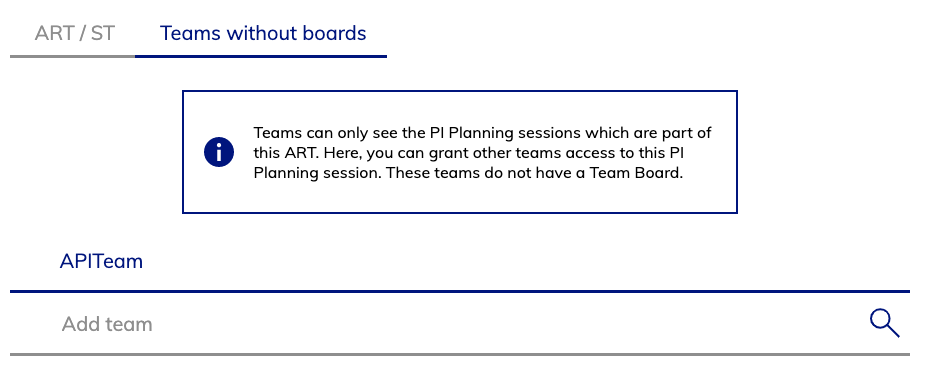
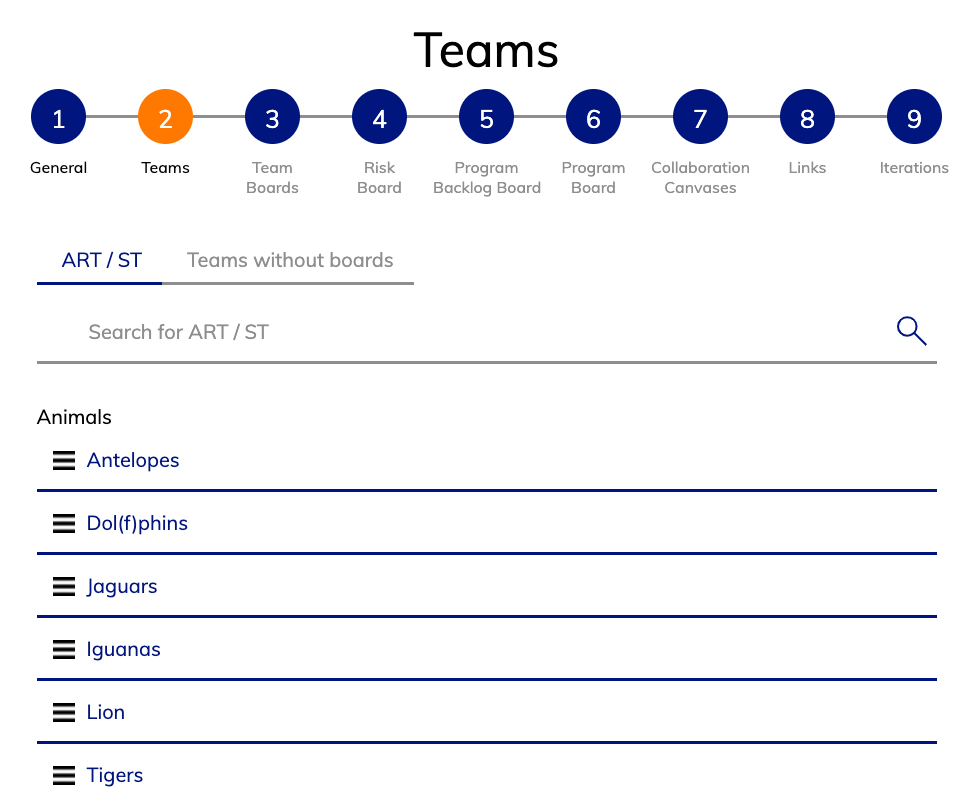
While configuring a new session, you have to decide which teams will attend this session. You can do that by selecting either an ART or a Solution-Train. Teams can only be added to a session during the session creation. You can not remove / add a team-(board) afterwards. In the example of the screenshot we selected the ART "Animals" which consists of the teams listed under the ART-Name. All these teams will get their own team-board. On this page you can: You can add teams to a session without giving them an own board and swimmlane. This is useful for scenarios where you want to provide a Solution Level Board spanning multiple Programs. A team which is attending a session (but does not have its own Team Board in that session) can then join (see and edit) that session as well.
Team Boards / Program Board Swimmlanes
Selecting ART or ST
Attending Teams (without Board / Swimmlane)
To add a team as a an attendee to a session: